Menu boards
Animated digital menu board templates for TV screens
A menu that moves gets read. Pick a template, put in your own dishes, photos, and prices, and show it on the TV above your counter. Change a price in the morning and it’s on the screen in minutes.
Menu board templates you can change today
Each one is a real template from the editor. Open it, make it yours, and keep the animation.
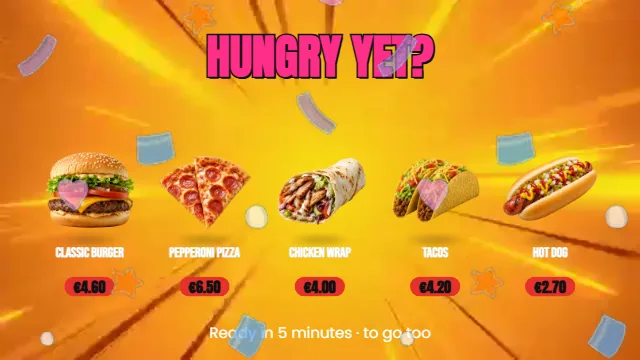 Quick menu, rolling by (Landscape 16:9, 0:13)
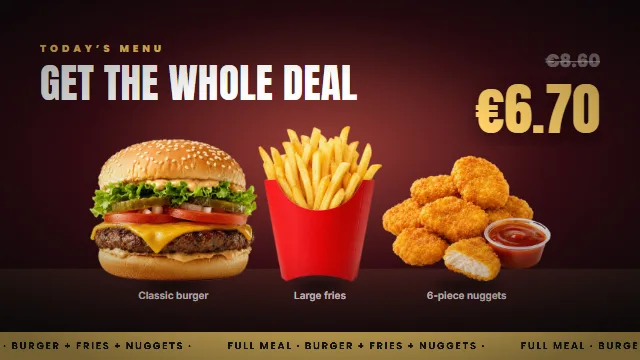 Combo — three items, one price (Landscape 16:9, 0:13)
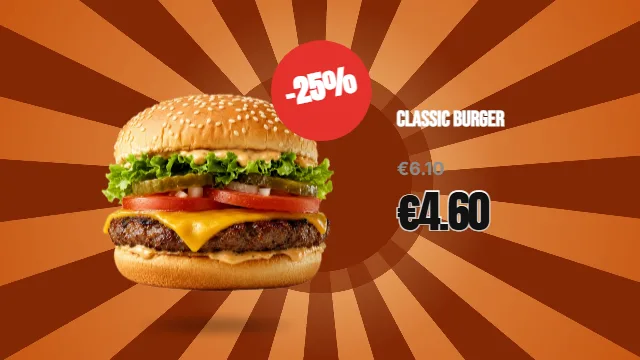 Burger of the day explodes on screen (Landscape 16:9, 0:15)
 Burger + fries = combo meal (Landscape 16:9, 0:17)
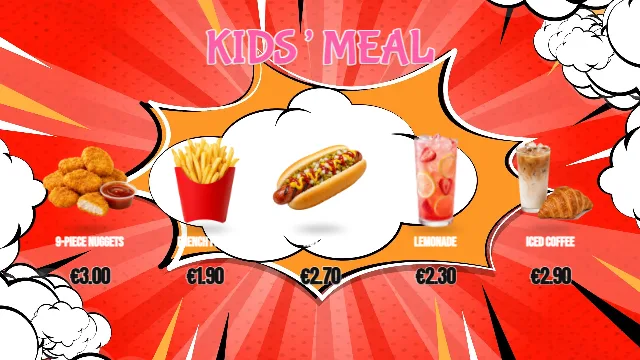 Kids’ meal · snack parade (Landscape 16:9, 0:17)
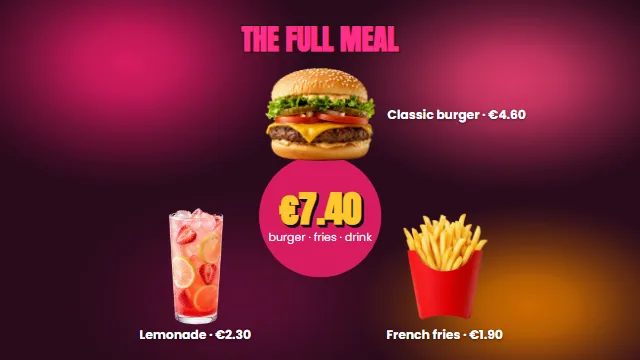 Combo meal with all the fixings (Landscape 16:9, 0:17)
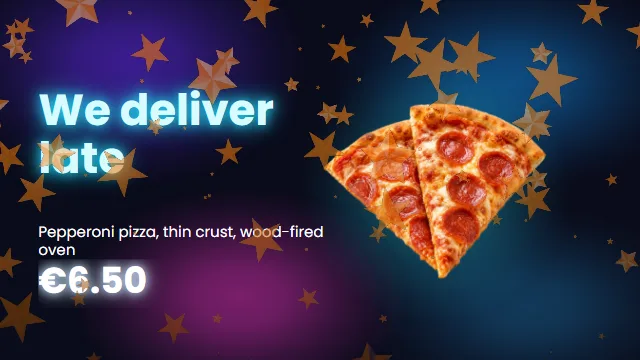 Pizza · delivery until 23:00 (Landscape 16:9, 0:14)
 Family bundle (Landscape 16:9, 0:06)
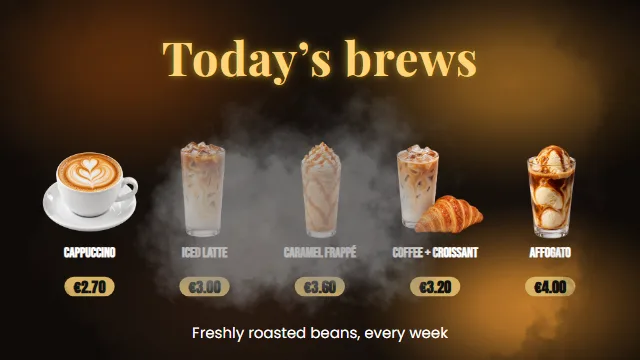 Our coffees, rolling by (Landscape 16:9, 0:13)
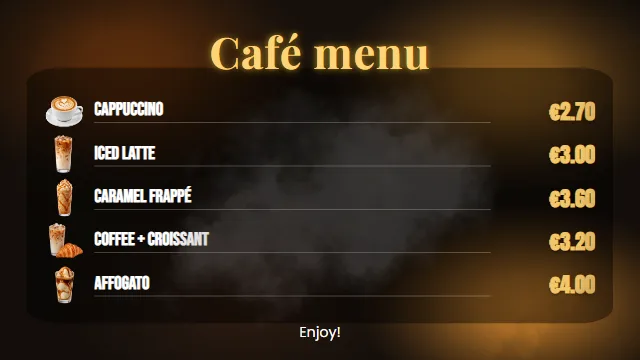 Coffee shop menu (Landscape 16:9, 0:11)
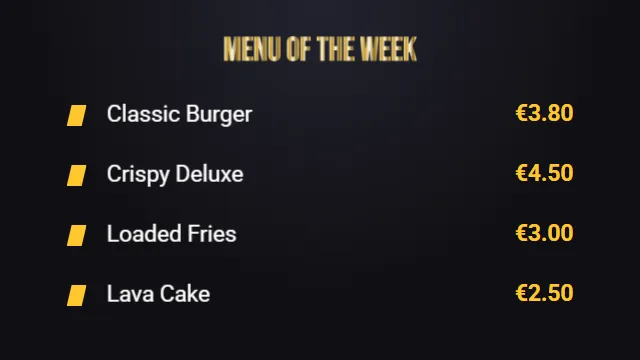 Animated menu (flip) (Landscape 16:9, 0:08)
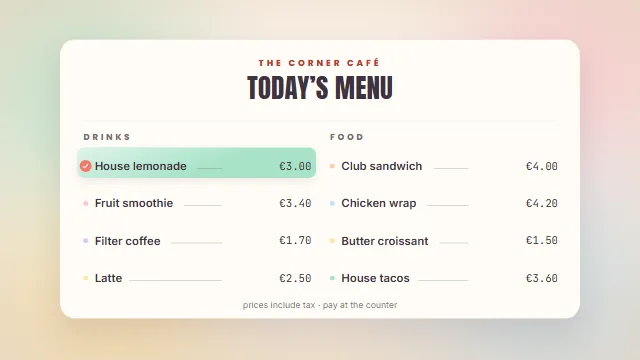 The carousel — today’s menu, three picks (Landscape 16:9, 0:18)
Why an animated menu board
Prices that are always right
Change a price or take a dish off the menu, and every screen shows the new menu. No reprinting.
Made for a TV across the room
Large type, strong contrast, and movement that draws the eye to the offer you want to sell.
Breakfast in the morning, dinner at night
Schedule a different menu by the hour, so the screen always shows what you serve right now.
Keeps playing offline
If the internet drops, your screens keep showing the last menu they received.
How to put your menu on a TV
- Pick a menu template Start from one of the templates on this page, in landscape for a TV on the wall.
- Put in your dishes and prices Type your items, drop in your photos, and change the colors to match your place.
- Show it on your screen Plug a TV box into your TV and choose when the menu plays. Your screens show it by the hour.
Questions people ask
How do I show my menu on a TV?
Plug an Android TV box into the TV, install RG Player on it, and connect the screen to your account. Then choose which menu plays and when. The tutorials walk you through it step by step.
Can I use a regular TV?
Yes. Any TV with an HDMI input works with an Android TV box. You can also play the menu from a Windows PC connected to the TV.
Can I change prices myself?
Yes, from the editor on your computer or your phone. Your screens get the new menu automatically.
What does it cost to show my ads or menu on a TV?
Each screen costs €5.90 a month, on every plan, and the Start plan has no plan fee. Making the ads is free.
Is it free?
Yes, you can start free. The editor and every template open in your browser, with nothing to install. With Creator Start, which is free, videos export at 720p with a small RG Screens watermark. With Creator Plus (€9.90 a month), videos export at 1080p without the watermark.