Instagram Reels
Reels maker: turn photos and videos into Instagram Reels
Start from an animated vertical template, or give AutoCut your photos and videos and get five versions cut to the music. Change anything, then export a vertical MP4 for Reels, TikTok, and YouTube Shorts.
Vertical templates for Reels
Real 9:16 templates from the editor. Put your photos in; the motion stays.
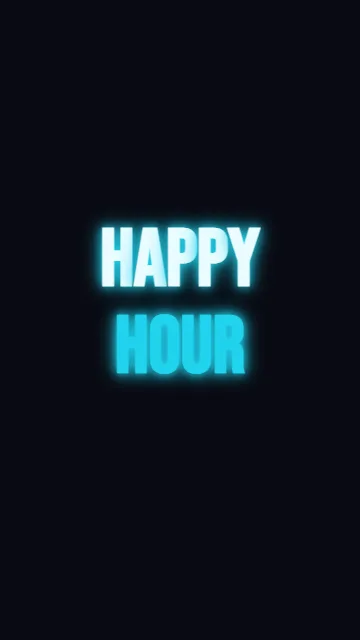 Happy hour · story (3 scenes) (Vertical 9:16, 0:08)
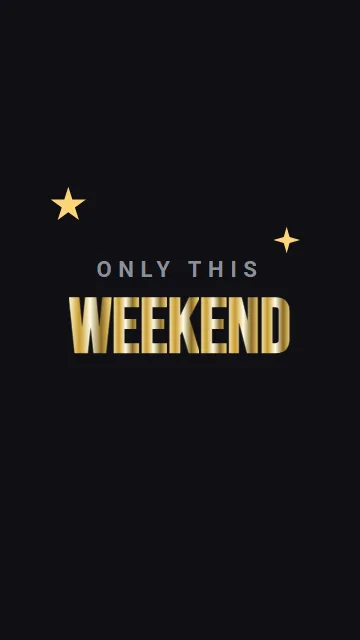 Weekend · story (3 scenes) (Vertical 9:16, 0:08)
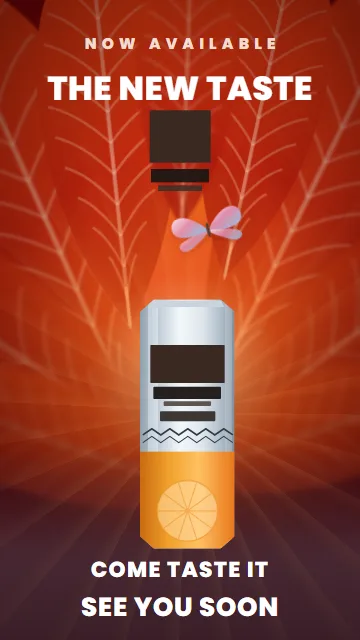 The new taste (mood ad) (Vertical 9:16, 0:09)
 Grand opening · story (3 scenes) (Vertical 9:16, 0:08)
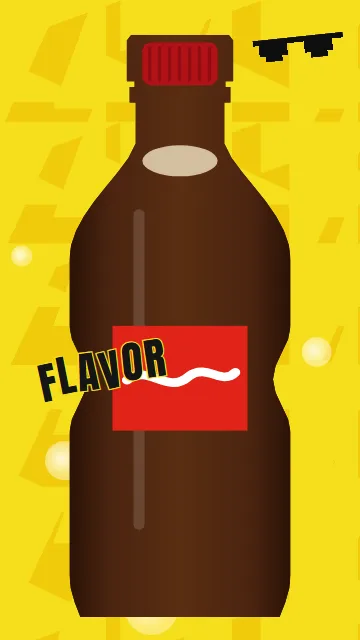 New flavor (fast-cut ad) (Vertical 9:16, 0:09)
 Gold on black · Limited edition (2 scenes) (Vertical 9:16, 0:06)
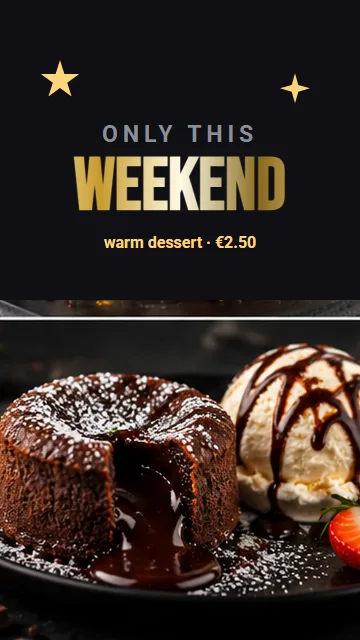 Weekend (chrome) (Vertical 9:16, 0:06)
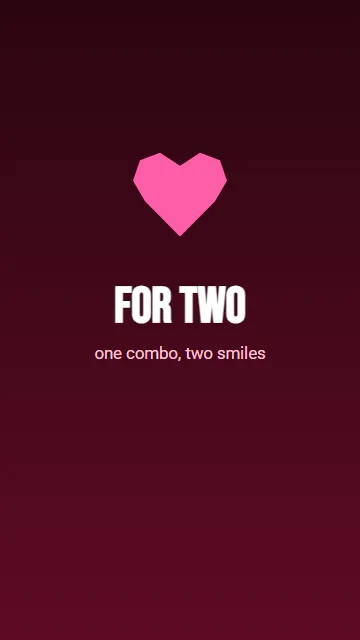 Combo for two (heart) (Vertical 9:16, 0:06)
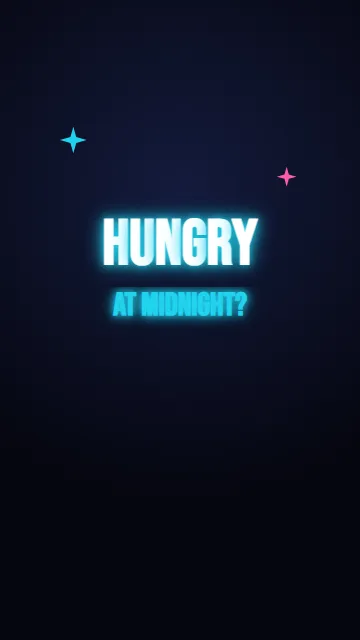 Open late (neon) (Vertical 9:16, 0:06)
 Teaser with impact (4 scenes) (Vertical 9:16, 0:09)
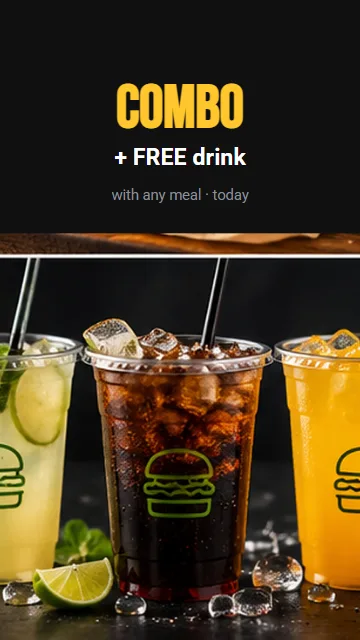 Combo + drink (Vertical 9:16, 0:06)
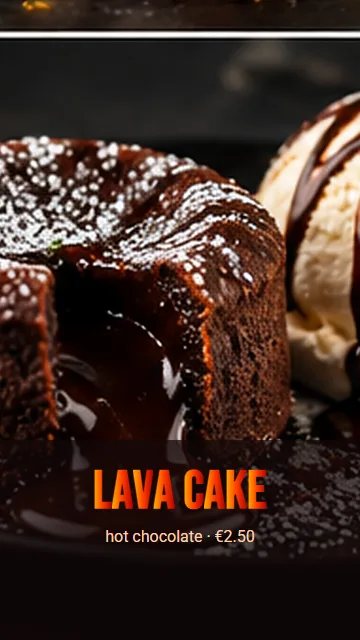 Dessert gradient (Vertical 9:16, 0:06)
Why make your Reels here
AutoCut
Pick your photos and videos, and AutoCut makes five versions, each in a different style. If you add a video, the cuts land on the beats of the song.
Templates that move
Text animations, transitions, and camera moves already in place. Swap in your photos.
For a business, not just a selfie
Prices, offers, logos, and opening hours have their own styles, made to be read.
Every format
Make it vertical for Reels, then square for Instagram and Facebook, from the same ad.
How to make a Reel from your photos
- Upload your photos and videos From your computer or your phone.
- Pick a template or use AutoCut Put them on a template, or let AutoCut make five versions cut to the music.
- Export and post Download the vertical MP4 and post it to Instagram, TikTok, or YouTube Shorts.
Questions people ask
Can I make a Reel from photos only?
Yes. Put your photos on a template, or let AutoCut turn them into a video. Cuts on the beat need at least one video.
What size is an Instagram Reel?
Vertical 9:16, at 1080 × 1920. Every vertical template here is already that size.
Do I need to download anything?
No. RG Studio runs in your browser, on a computer or on a phone. Your work is saved to your account, so you can start on one and finish on the other.
Is it free?
Yes, you can start free. The editor and every template open in your browser, with nothing to install. With Creator Start, which is free, videos export at 720p with a small RG Screens watermark. With Creator Plus (€9.90 a month), videos export at 1080p without the watermark.