TikTok ads
TikTok ad maker
Vertical ads that move in the first second. Start from an animated 9:16 template, put in your product, your offer, and your price, and export an MP4 ready for TikTok Ads Manager or for posting from your own account.
Vertical ad templates
Real 9:16 templates from the editor, made to catch the eye.
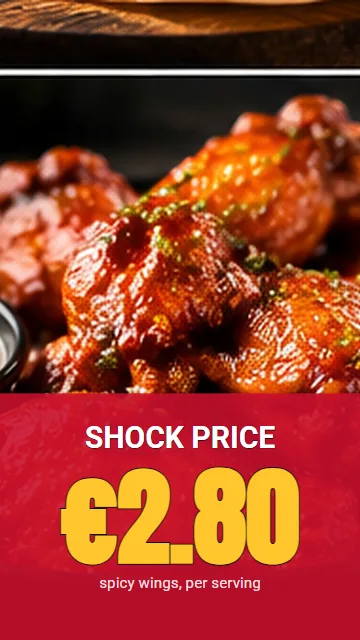 Shock price (Vertical 9:16, 0:05)
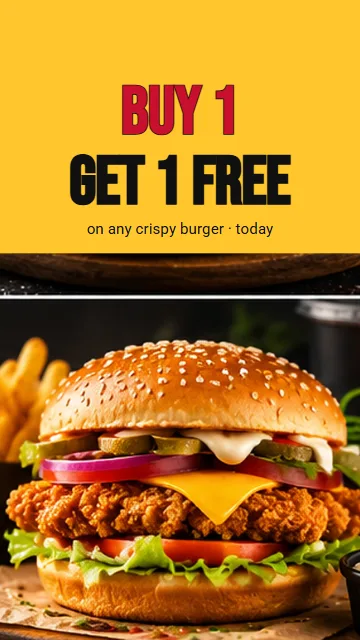 2 for the price of 1 (Vertical 9:16, 0:06)
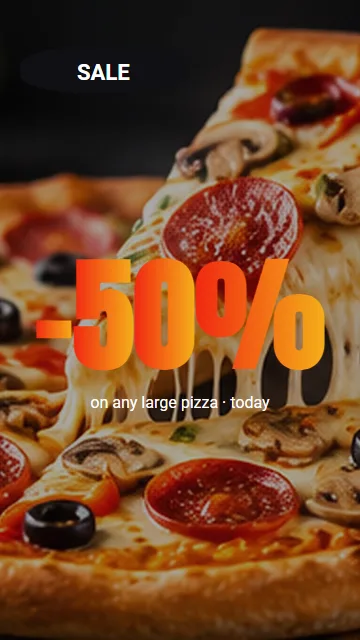 Pizza sale (Vertical 9:16, 0:05)
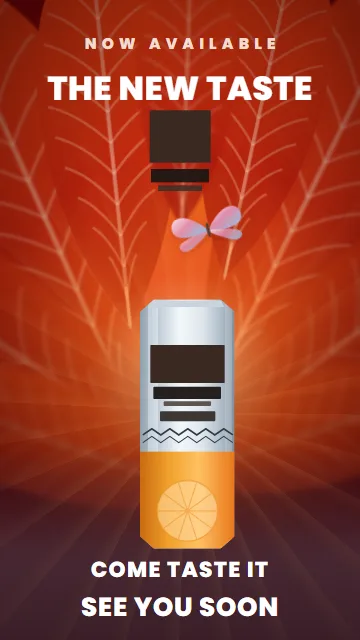 The new taste (mood ad) (Vertical 9:16, 0:09)
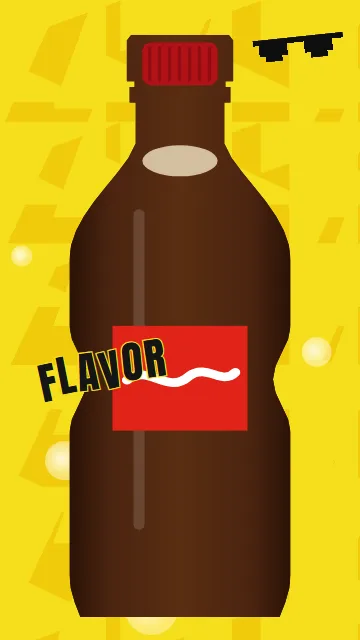 New flavor (fast-cut ad) (Vertical 9:16, 0:09)
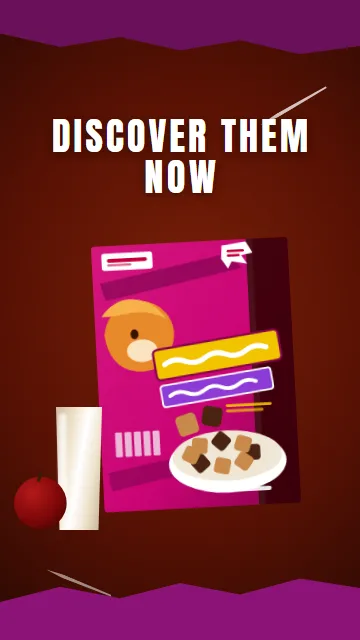 Rich mix (quick montage) (Vertical 9:16, 0:10)
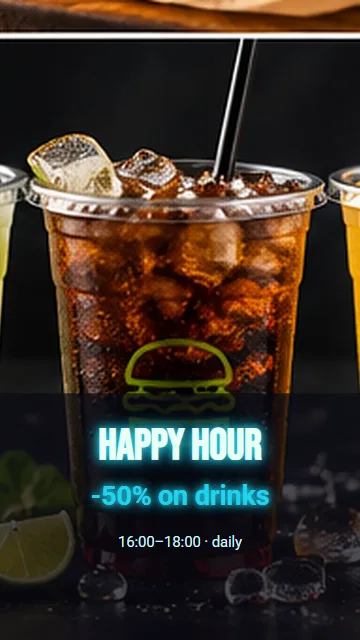 Happy hour neon (Vertical 9:16, 0:06)
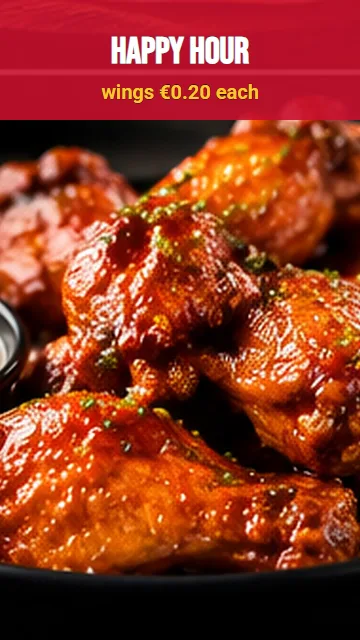 Happy hour wings (Vertical 9:16, 0:06)
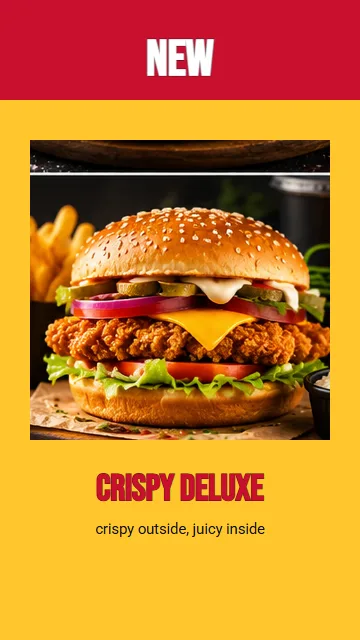 New product · Crispy (Vertical 9:16, 0:06)
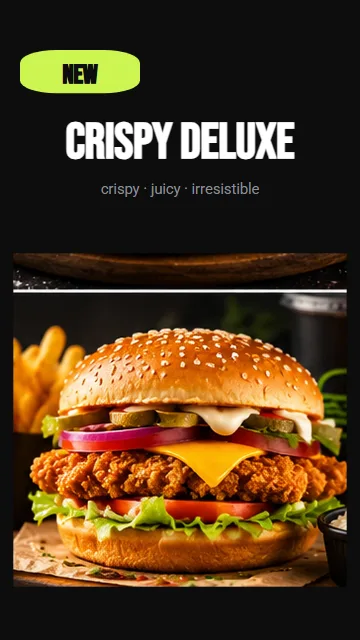 New product (kinetic) (Vertical 9:16, 0:06)
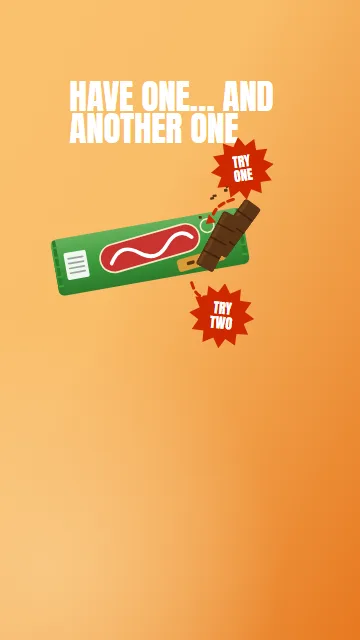 Another one (sticker ad) (Vertical 9:16, 0:06)
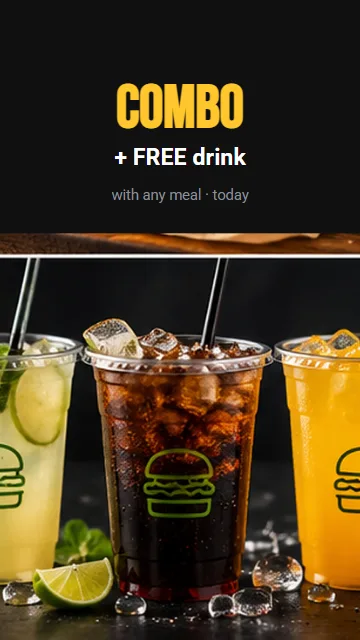 Combo + drink (Vertical 9:16, 0:06)
Why make your TikTok ads here
Built vertical
Templates made for 9:16, with the text placed for a phone screen.
Movement from the first frame
Hundreds of text animations, transitions, and camera moves, ready to use.
AI when you want it
Describe your offer and the AI director builds the ad scene by scene.
One ad, every format
Most templates also come in square and landscape, for Instagram, Facebook, and YouTube.
How to make a TikTok ad
- Pick a vertical template Choose one of the 9:16 templates on this page, or start from a blank vertical canvas.
- Add your product and offer Upload your photo or video, write the offer, and type the price.
- Export and upload Download the MP4 and upload it to TikTok Ads Manager or post it from your account.
Questions people ask
What is the best video format for TikTok ads?
Vertical 9:16 at 1080 × 1920, as an MP4. Keep your text away from the bottom fifth and the right edge of the frame, where TikTok shows its buttons and captions.
How do I run the video as a TikTok ad?
Export the MP4 here, then upload it when you create an ad in TikTok Ads Manager.
How long should a TikTok ad be?
Short ads work best for a single offer. Most of our vertical templates run 5 to 10 seconds, and you can make any scene longer or shorter.
Is it free?
Yes, you can start free. The editor and every template open in your browser, with nothing to install. With Creator Start, which is free, videos export at 720p with a small RG Screens watermark. With Creator Plus (€9.90 a month), videos export at 1080p without the watermark.
What does the AI cost?
The editor and the templates are free. You pay for the AI with credits, only when you use it, and you see the price before you press anything.