Ads on your screens
TV screen advertising software for shops and restaurants
The TV in your shop, the screen in your window, the LED banner by the street: make the ads in RG Studio and choose what plays on each one, and when. You manage everything from your browser or your phone.
Ads made for screens
Landscape templates for TVs and window screens. Offers, new products, opening hours.
 Black Friday on tools (Landscape 16:9, 0:17)
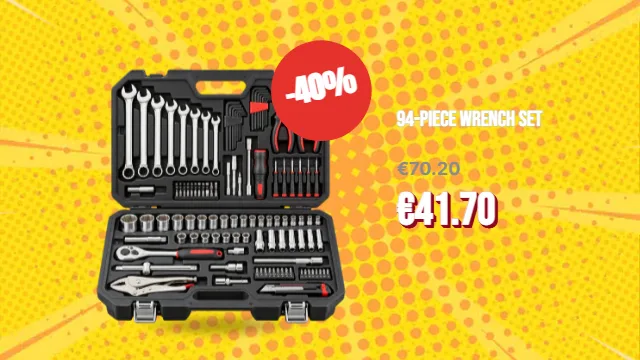 Wrench set · −40% (Landscape 16:9, 0:15)
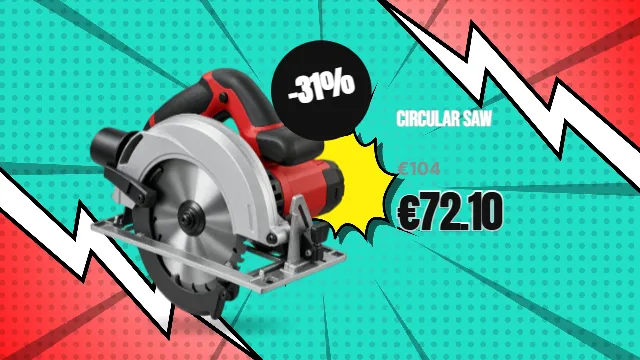 Circular saw · Black Friday (Landscape 16:9, 0:15)
 Open until 21:00 · impact driver (Landscape 16:9, 0:14)
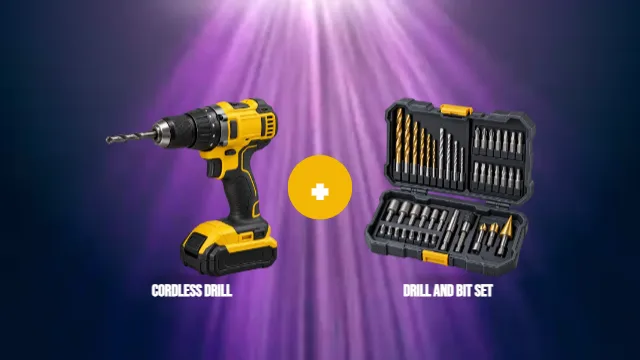 Cordless drill + bit set (Landscape 16:9, 0:17)
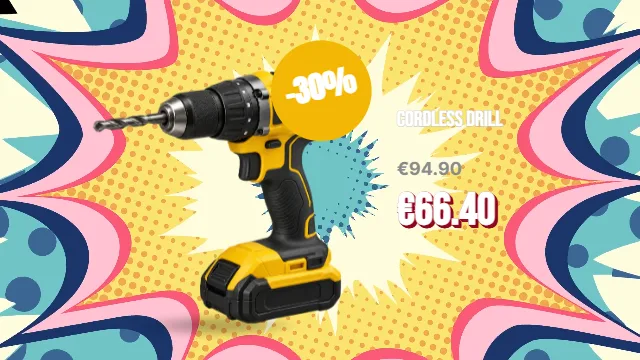 Cordless drill · −30% (Landscape 16:9, 0:15)
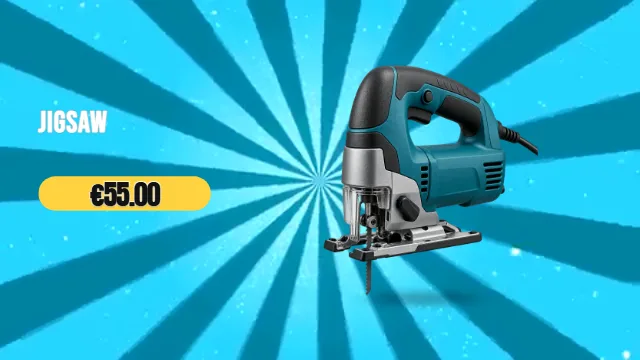 Jigsaw flies in (Landscape 16:9, 0:17)
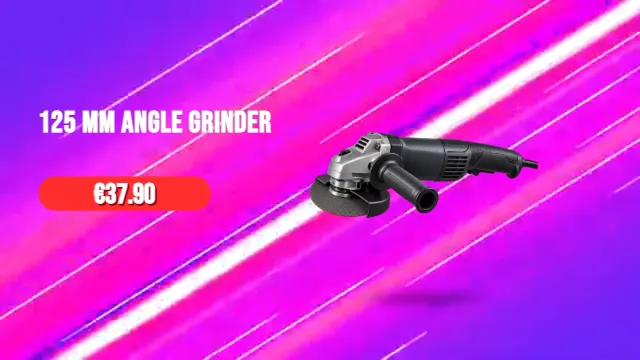 Angle grinder throws sparks (Landscape 16:9, 0:17)
 Rotary hammer · SDS power (Landscape 16:9, 0:15)
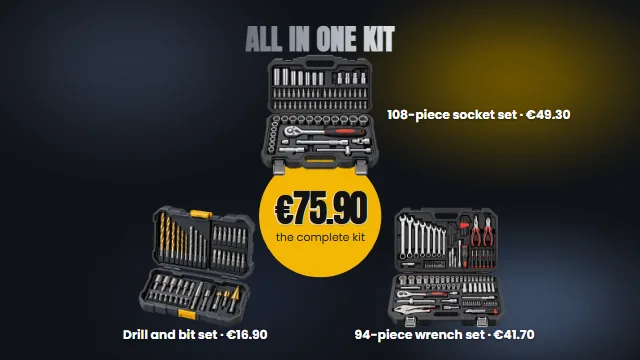 Complete home tool kit (Landscape 16:9, 0:17)
 Product on the beat (Landscape 16:9, 0:08)
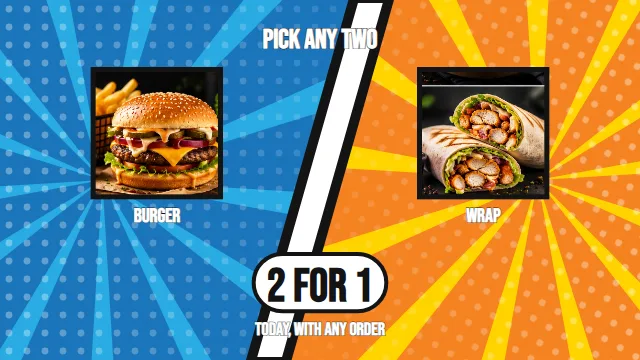 2 for 1, your choice (Landscape 16:9, 0:06)
What you get
Your ads, by the hour
Breakfast offers in the morning, happy hour in the evening. Schedule by hour, day, and campaign period.
Every screen from one place
See your screens and change what plays on them from a computer or a phone.
No black screens
If the internet drops, the screen keeps playing what it already has. If a screen goes offline, you get an email.
Exactly what you made
What you see in the editor is what shows on the screen, down to the animation.
How to start
- Make your ads Start from a template or describe your promotion to the AI director.
- Connect a screen Install RG Player on an Android TV box or a Windows PC connected to the TV, then connect it to your account with the code on the screen.
- Choose what plays and when Put your ads on a schedule, and give each screen its own.
Questions people ask
Can it run on the TVs I already have?
Yes. Any TV with an HDMI input works, with an Android TV box or a Windows PC connected to it.
What does it cost a small business?
Each screen costs €5.90 a month, and the Start plan has no plan fee. Making the ads in the editor is free; you pay for the AI with credits, only if you use it.
Do the screens need internet all the time?
No. Each screen saves what it needs, so it keeps playing without internet. It picks up your changes the next time it’s online.
Can I show different ads on different screens?
Yes. Each screen has its own schedule, so the window and the counter can play different ads.